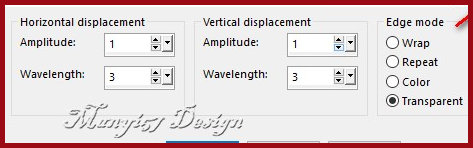
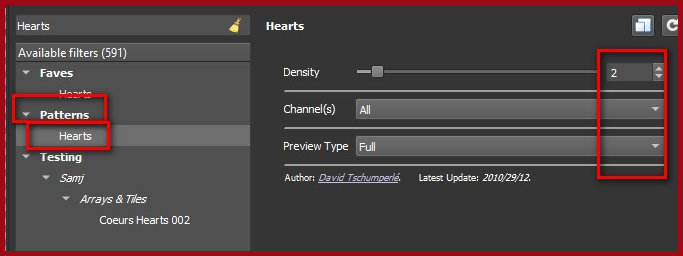
|
This tutorial is from Manyi who I thank for letting me translate their tutorials.
Material
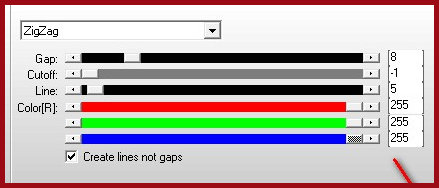
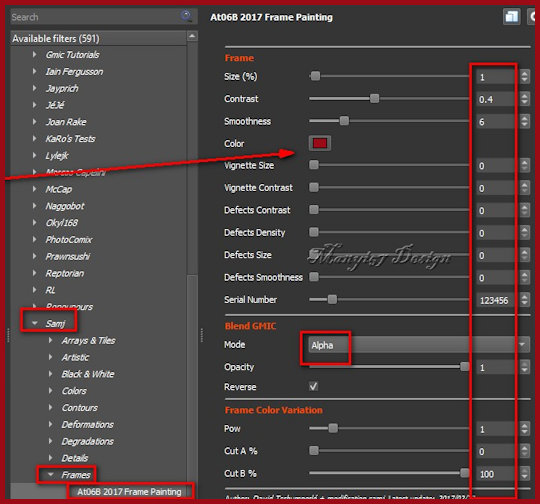
GMIC - Mehdi - Simple - Flaming Pear - AP [Lines] - Eye Candy 5: Impact
You can also find this tutorial translated into these languages:
SCRIPT
Images:
Open the alpha channel file [Anyák
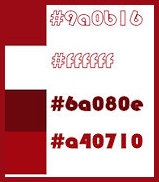
napján] Set the color #9a0b16 in the foreground and the color #ffffff in the background
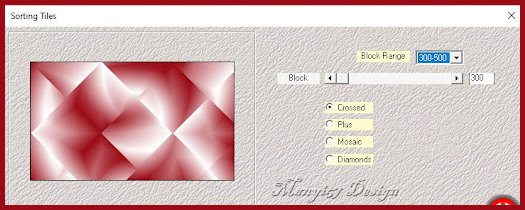
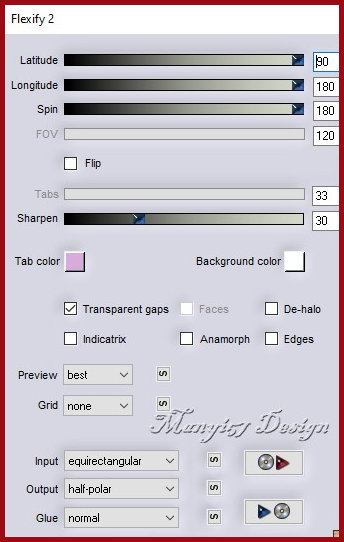
Effects / Plugins / Mehdi / Sorting tiles
Effects / Plugins / Simple / Pizza
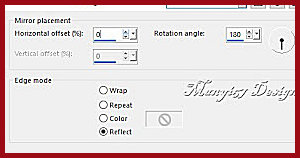
Slice Mirror Effects / Reflection Effects / Rotating Mirror
Layers / Duplicate
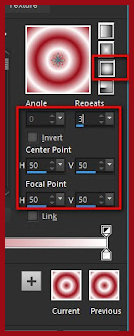
Activate the Pick Tool and
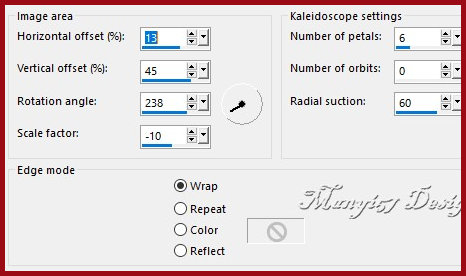
configure: X=0 Y=0 - Press M Effects / Reflection Effects / Kaleidoscope
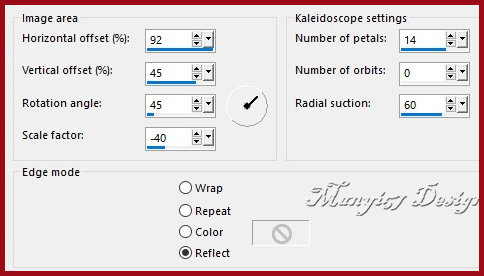
Repeat the Kaleidoscope with this other configuration:
Effects / Reflection Effects /
Rotating Mirror - same as before Activate the bottom layer. Effects / Plugins / AP [Line] / Silverlining
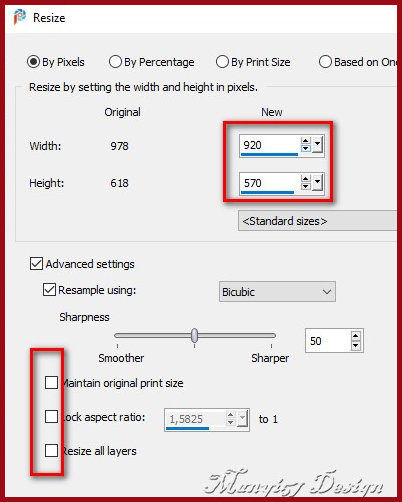
Activate the top layer. Copy the main tube. Paste as a new layer. Do not move. Adjust the size. Selections / Load selection
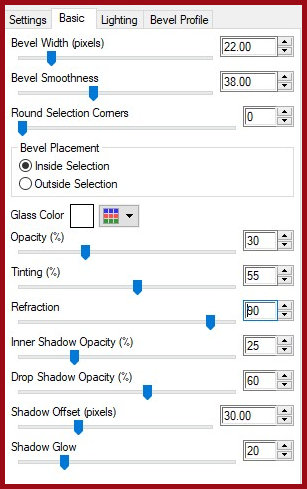
from alpha channel / Selection 1 Paint the selection with the foreground color. Effects / Plugins / Eye Candy 5: Impact / Glass
Select none. Image / Add borders /
2px / white Selections / Select all. 17
|